
Download Otter Browser – Free Windows Web Browser, Secure, Open‑Source Tool
Overview
Otter Browser is a free, open‑source web browser designed for Windows 8.1 and newer operating systems. First released on Softonic on February 11, 2015, the project aims to revive the classic Opera 12 experience while adding modern standards, security updates, and a highly customizable interface. The current stable build, version 0.9.05.58, ships with multilingual support for German, Czech and Greek, making it a viable choice for users across Europe who need a lightweight yet powerful browsing tool.
Unlike many mainstream browsers that bundle telemetry and advertising, Otter Browser stays true to the “add‑ons & tools” philosophy: it offers a clean code base, a transparent development roadmap, and a community‑ driven extension system. Users can download the installer directly from the official site, where the file is signed and verified for authenticity, ensuring a secure installation process. Because it is free software, there are no hidden fees, no subscription model, and no forced upgrades – you stay in control of when and how you update.
Whether you are a nostalgic fan of classic Opera, a developer looking for a sandboxed test environment, or simply someone who prefers a no‑frills browser that respects privacy, Otter Browser provides a balanced mix of speed, customizability, and security on the Windows platform.
Key Features, Pros & Cons
- Classic Opera‑style UI with modern rendering engine.
- Extensive add‑on support – install plugins to extend functionality.
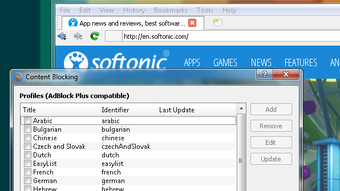
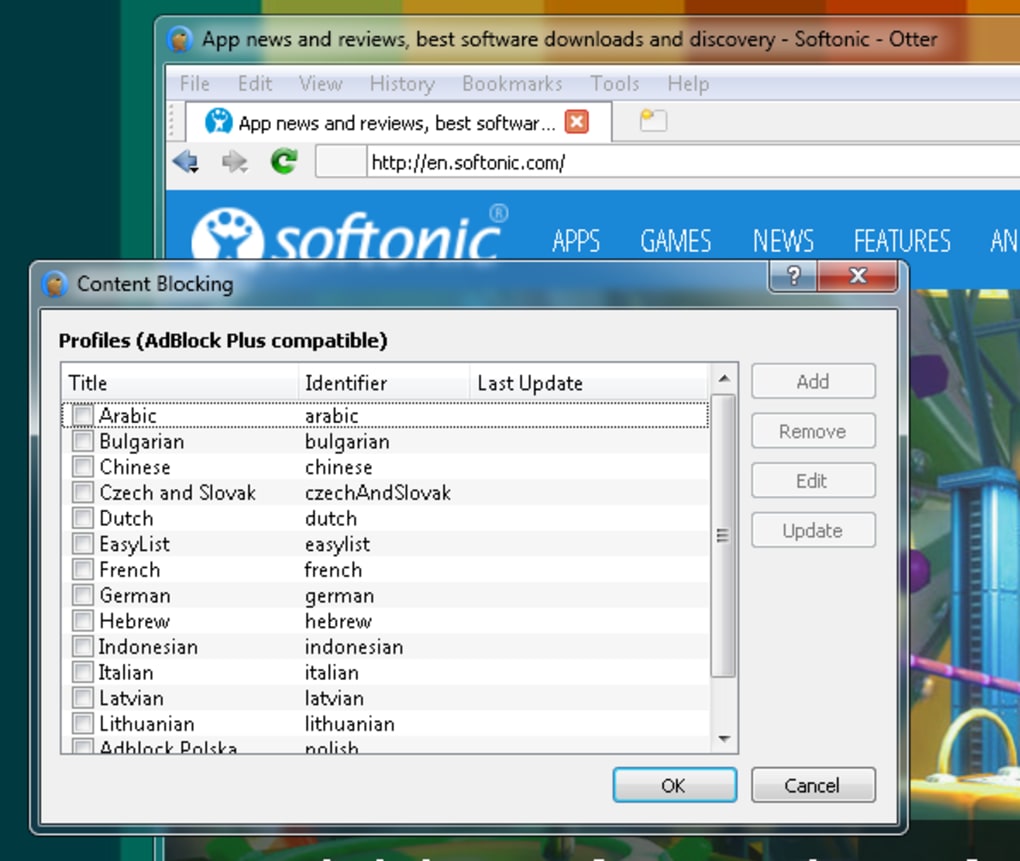
- Built‑in ad blocker and tracker protection for safer browsing.
- Customizable keyboard shortcuts and mouse gestures.
- Multi‑profile management for separating work and personal browsing.
- Support for multiple languages – German, Czech, Greek out of the box.
- Lightweight footprint – low RAM and CPU usage compared to major browsers.
- Open‑source code on GitHub, allowing community contributions and transparency.
- Secure update mechanism with signed packages.
- Cross‑session sync via third‑party extensions (optional).
Pros
- Free and open source – no hidden costs or subscription fees.
- Privacy‑focused – no telemetry, built‑in ad blocker.
- Lightweight – runs smoothly on older Windows machines.
- Highly customizable – themes, shortcuts, and extensions.
- Secure updates – digitally signed installers prevent tampering.
Cons
- Limited native support for macOS, Linux, Android, and iOS – Windows‑only.
- Smaller extension ecosystem compared to Chrome or Firefox.
- Occasional compatibility issues with very new web standards.
- Documentation primarily in English; translations are community‑driven.
- No built‑in cloud sync; requires third‑party tools for cross‑device bookmarks.
Installation, Usage & Compatibility
Getting started with Otter Browser is straightforward. First, visit the official download page and click the Download button for the Windows installer (a .exe file). The installer is signed with a valid certificate, which Windows verifies automatically, guaranteeing a secure download.
Once the file is saved,
double‑click it to launch the wizard. The installation process follows the classic
Windows pattern: accept the license agreement, choose the destination folder
(default is C:\Program Files\OtterBrowser), and optionally create a desktop
shortcut. After the final “Install” click, the setup copies the necessary files,
registers file associations for .html and .htm, and finishes with a “Launch Otter
Browser” button.
Otter Browser runs on Windows 8.1, Windows 10 and Windows 11. The Windows requirement is due to the underlying Qt framework that powers the UI, which is currently compiled for x86‑64 architectures. The browser works seamlessly on both 32‑bit and 64‑bit systems, though the 64‑bit version is recommended for better performance and future‑proofing.
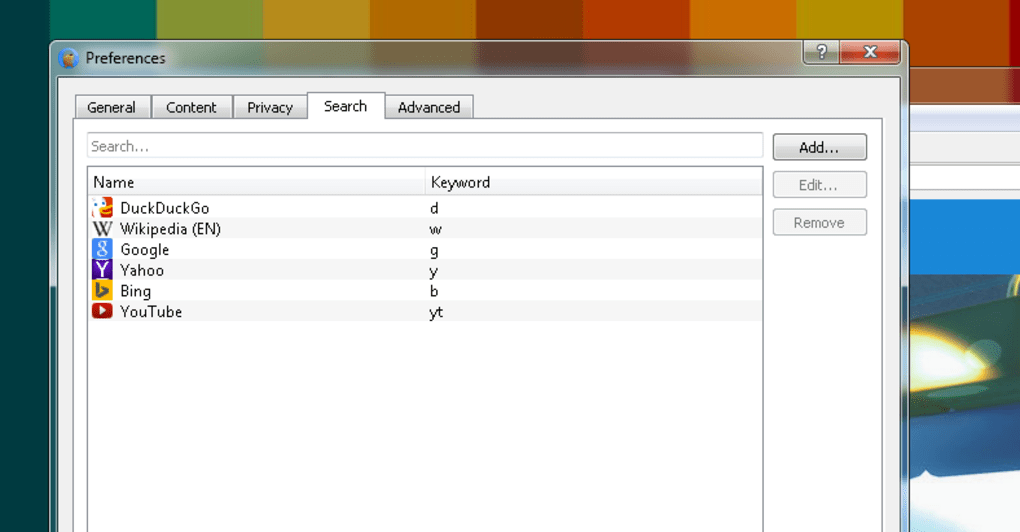
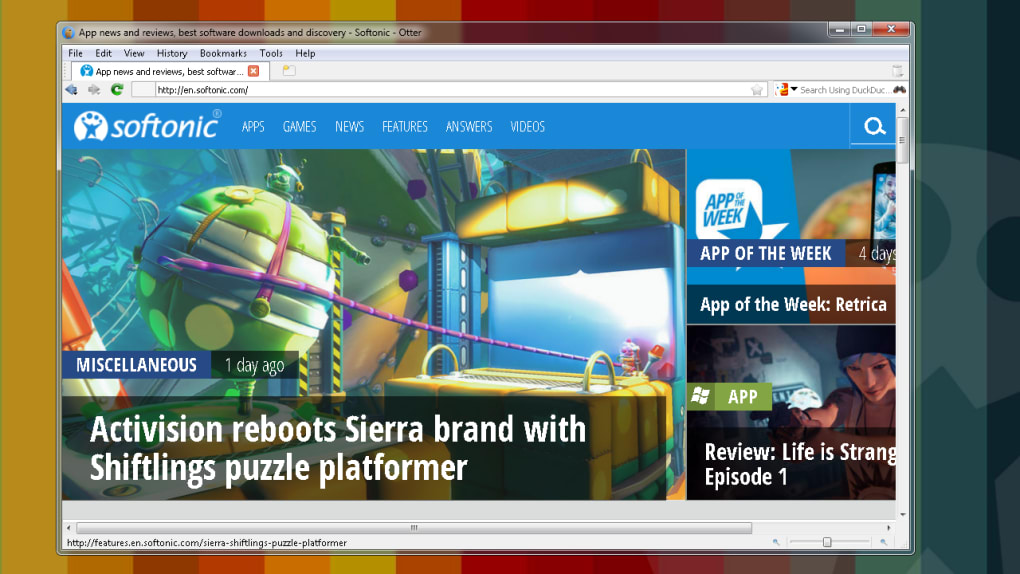
Upon first launch, you will be greeted by a simple start page that mimics the classic Opera homepage. From here you can import bookmarks from other browsers, configure your preferred search engine, and enable the built‑in ad blocker. The Settings dialog offers tabs for Appearance, Privacy, Network, and Extensions. To add an extension, navigate to the “Extensions” tab, click “Add‑on Store”, and browse the curated list of community‑ created plugins. Installation of an add‑on is a single click, after which the feature becomes available instantly without restarting the browser.
For power users, Otter Browser provides a powerful command line interface.
Open cmd.exe and run otter-browser.exe –new-tab https://example.com
to open a new tab directly from the terminal. This is especially handy for
developers who need to test web pages quickly. The browser also respects
Windows’ default proxy settings, making it compatible with corporate environments
that enforce network policies. Overall, the installation experience is smooth,
the UI is intuitive, and the compatibility with modern Windows releases ensures
a stable, secure browsing session.
FAQ & Final Thoughts
Is Otter Browser really free or does it contain hidden fees?
Yes, Otter Browser is 100 % free and open source. There are no hidden subscription costs, in‑app purchases, or mandatory upgrades. All features are available to anyone who downloads the installer from the official site.
Can I sync my bookmarks and passwords across devices?
Otter Browser does not include a native cloud sync service. However, you can use third‑party extensions (e.g., a Bitwarden or Nextcloud bookmark sync plugin) to achieve cross‑device synchronization.
Is the browser safe from malware and phishing attacks?
Otter Browser incorporates an integrated ad blocker, tracker protection, and regular security patches. Because the source code is publicly available, security experts can audit it, and updates are signed to prevent tampering.
Does Otter Browser support modern web standards like HTML5 and CSS3?
Yes. The browser uses the QtWebEngine rendering engine, which is based on Chromium. This ensures solid support for HTML5, CSS3, WebGL, and most JavaScript features found in contemporary web applications.
How often are updates released and are they automatic?
Updates are released roughly every 2‑3 months. The application includes an optional automatic update checker that notifies you when a newer version is available. You can then download the signed installer manually or let the built‑in updater handle it.
Conclusion
Otter Browser stands out as a lightweight, privacy‑centric alternative for Windows
users who appreciate classic design combined with modern security. Its free, open‑source
nature, together with a solid feature set and low system requirements, makes it an
excellent choice for both everyday browsing and specialized tasks such as web
development testing. If you are looking for a secure, customizable, and ad‑free
browsing experience without the bloat of mainstream browsers, give Otter Browser a
try today. Download the latest
version now and join the growing community of users who value speed, control, and
openness.







